White label LEXI Cloud — your brand, one cloud experience. Complete visibility across every property. Bring buildings, devices, data and applications together in a configurable cloud platform built to carry your brand and support the way your teams operate.
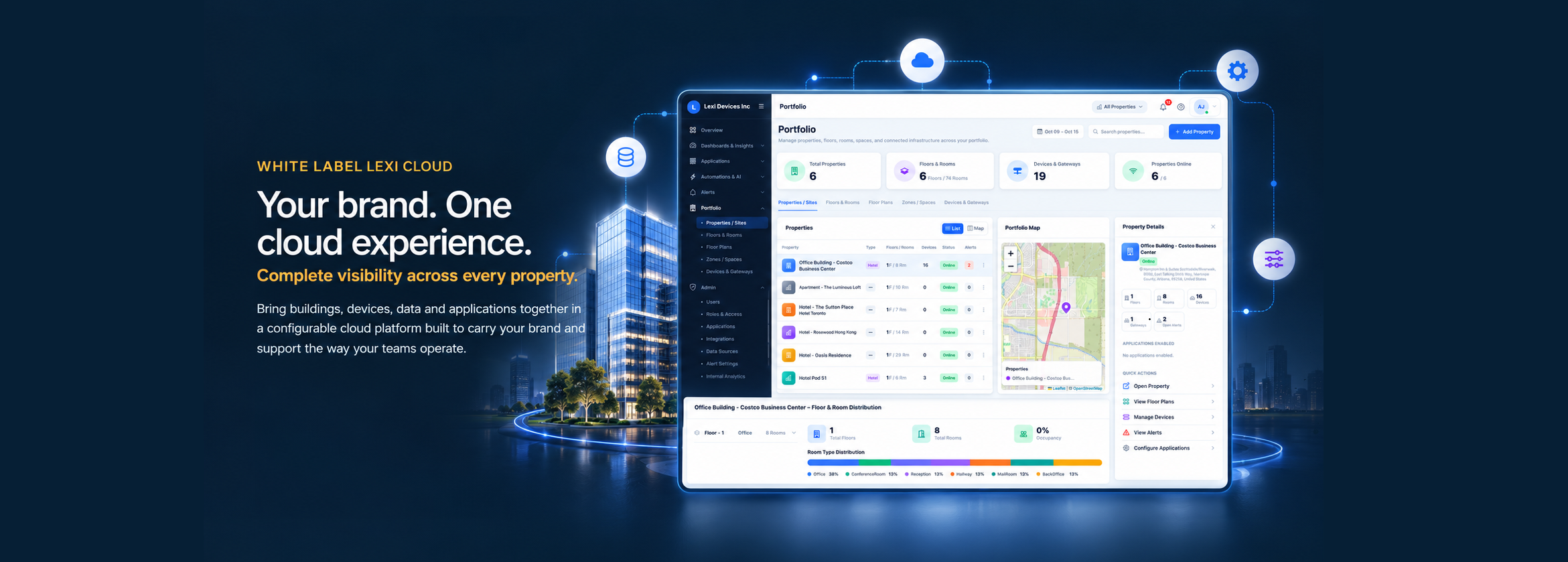
A cloud experience that looks and feels like yours — configure the experience around your brand. Create a consistent customer and operator experience under your own brand. Configure logo, brand colors, theme options and regional settings while keeping a consistent experience across portfolios and users.
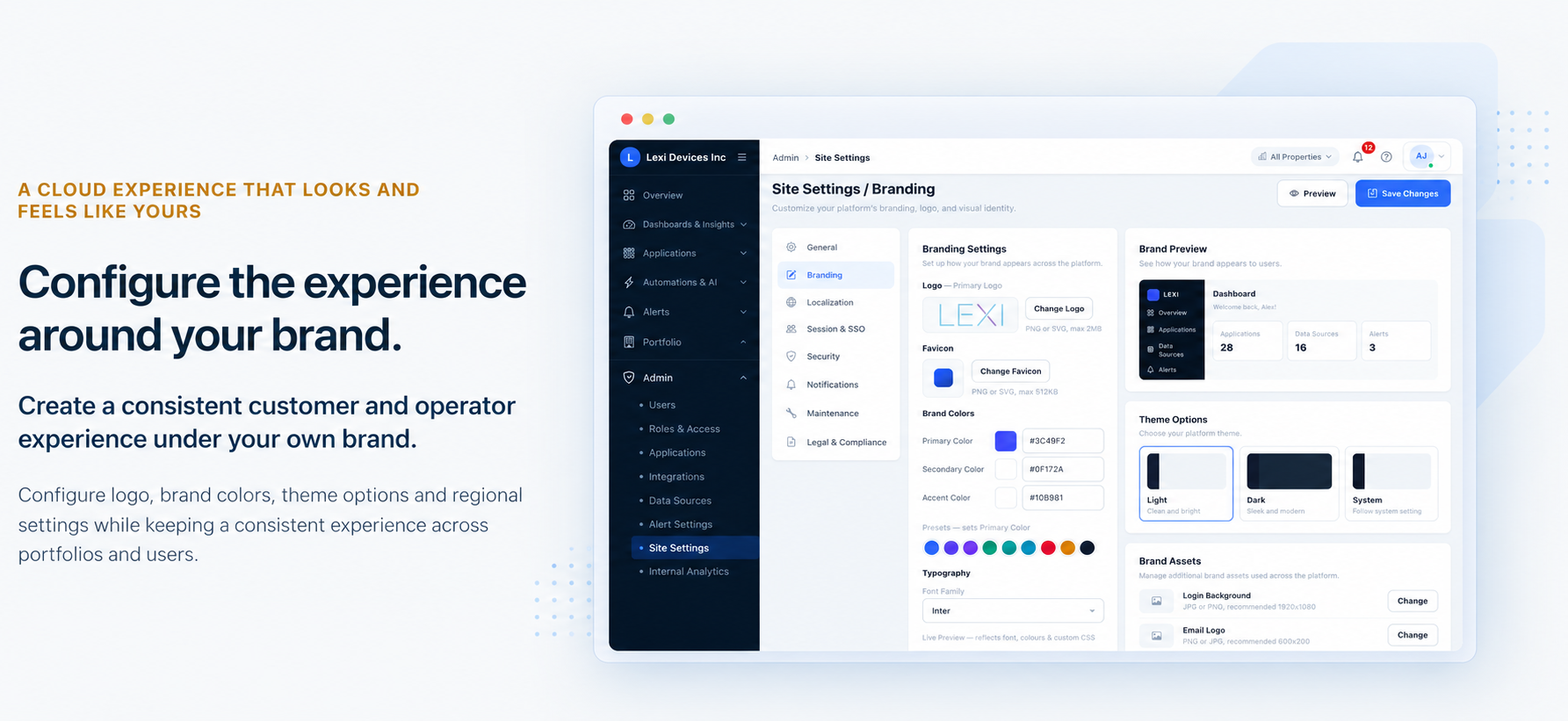
Portfolio visibility — see your entire portfolio in context. Move from portfolio-level performance to the spaces and systems that need attention. Navigate properties, floors, rooms, zones, devices and gateways in one connected portfolio view. Maps, floor plans and status summaries show where assets are and what needs attention. Compare properties and building health at a glance. Explore floor plans, rooms and zones with operational context. Review device and gateway status from the same workspace.
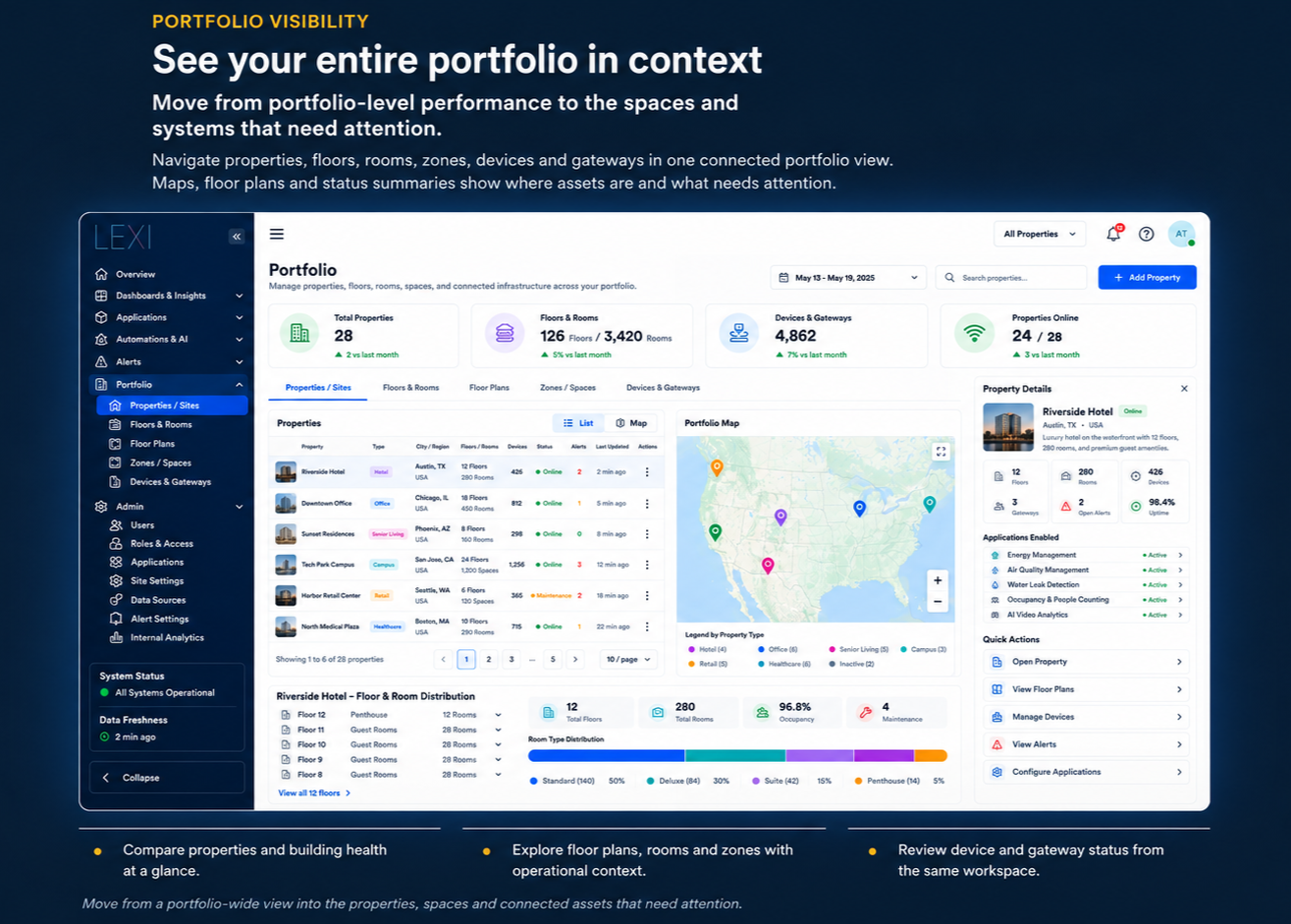
Dashboards and insights — turn operational data into clear decisions. Give every stakeholder a faster path from signal to insight. Build role-relevant dashboards, monitor trends and bring key measures into a shared view. Use analytics, exports and reports to communicate performance. Role-relevant dashboards: create role-relevant dashboards with configurable widgets. Track trends and status: track trends, distributions and status across sites and applications. Scheduled and on-demand reports: use scheduled and on-demand reports to share operational views.
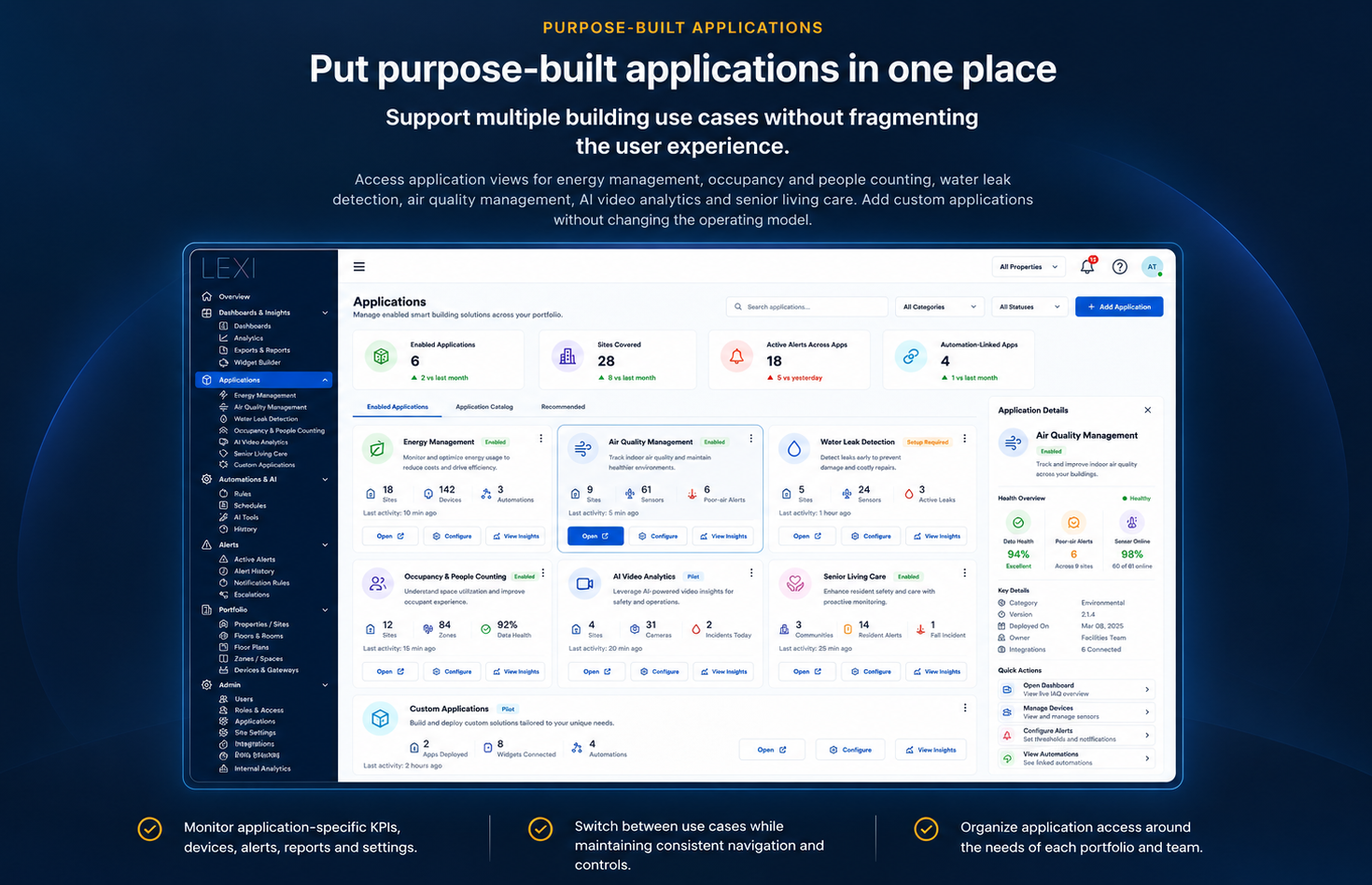
Purpose-built applications — put purpose-built applications in one place. Support multiple building use cases without fragmenting the user experience. Access application views for energy management, occupancy and people counting, water leak detection, air quality management, AI video analytics and senior living care. Add custom applications without changing the operating model. Monitor application-specific KPIs, devices, alerts, reports and settings. Switch between use cases while maintaining consistent navigation and controls. Organize application access around the needs of each portfolio and team.
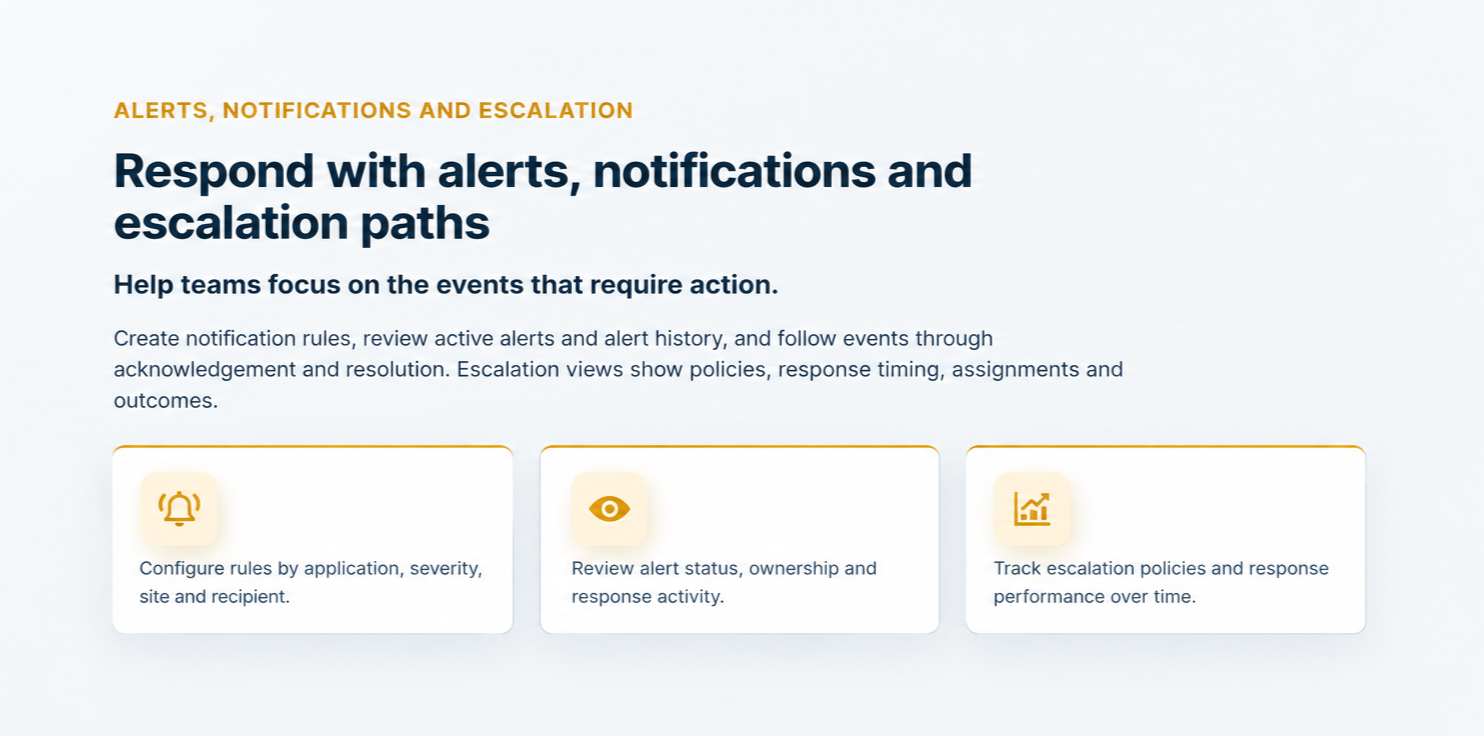
Alerts, notifications and escalation — respond with alerts, notifications and escalation paths. Help teams focus on the events that require action. Create notification rules, review active alerts and alert history, and follow events through acknowledgement and resolution. Escalation views show policies, response timing, assignments and outcomes. Configure rules by application, severity, site and recipient. Review alert status, ownership and response activity. Track escalation policies and response performance over time.
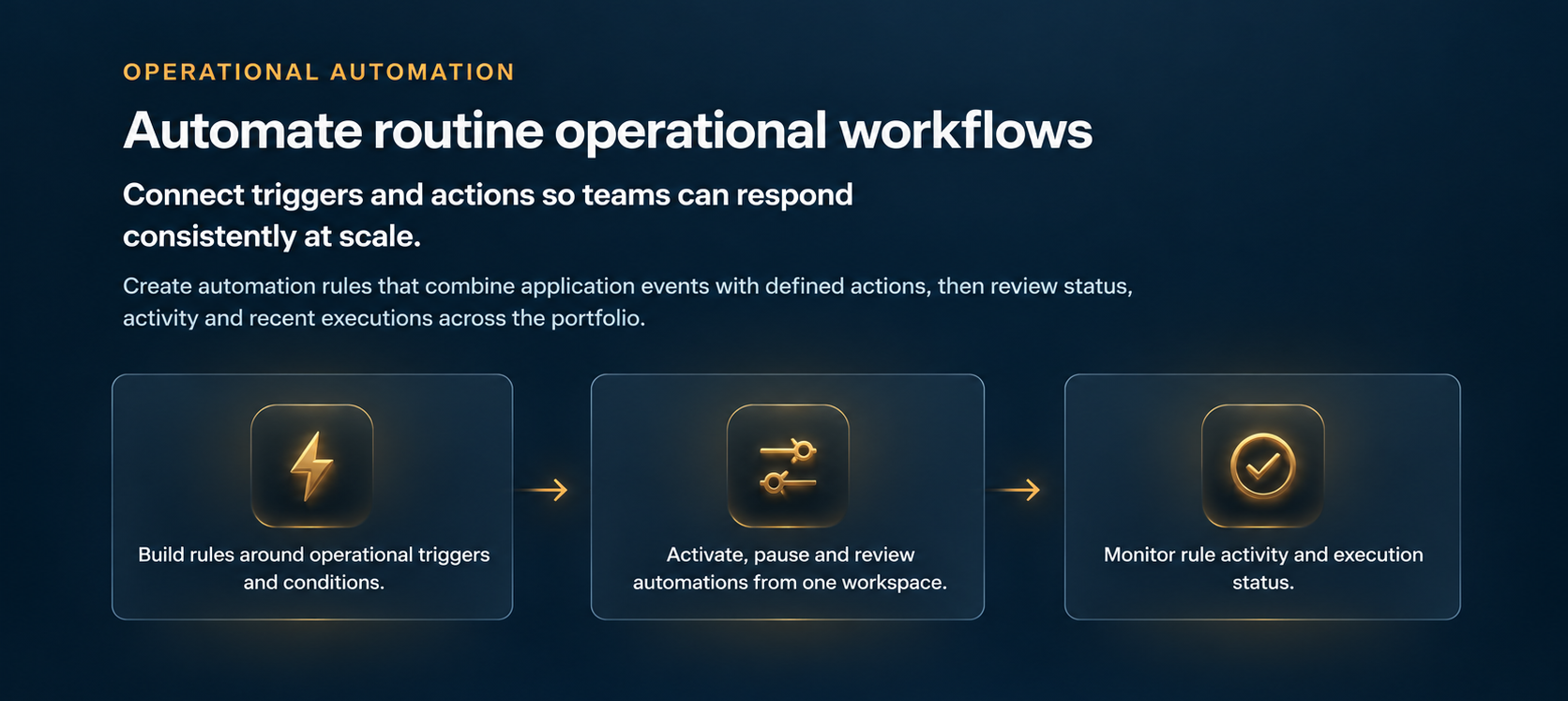
Operational automation — automate routine operational workflows. Connect triggers and actions so teams can respond consistently at scale. Create automation rules that combine application events with defined actions, then review status, activity and recent executions across the portfolio. Build rules around operational triggers and conditions. Activate, pause and review automations from one workspace. Monitor rule activity and execution status.
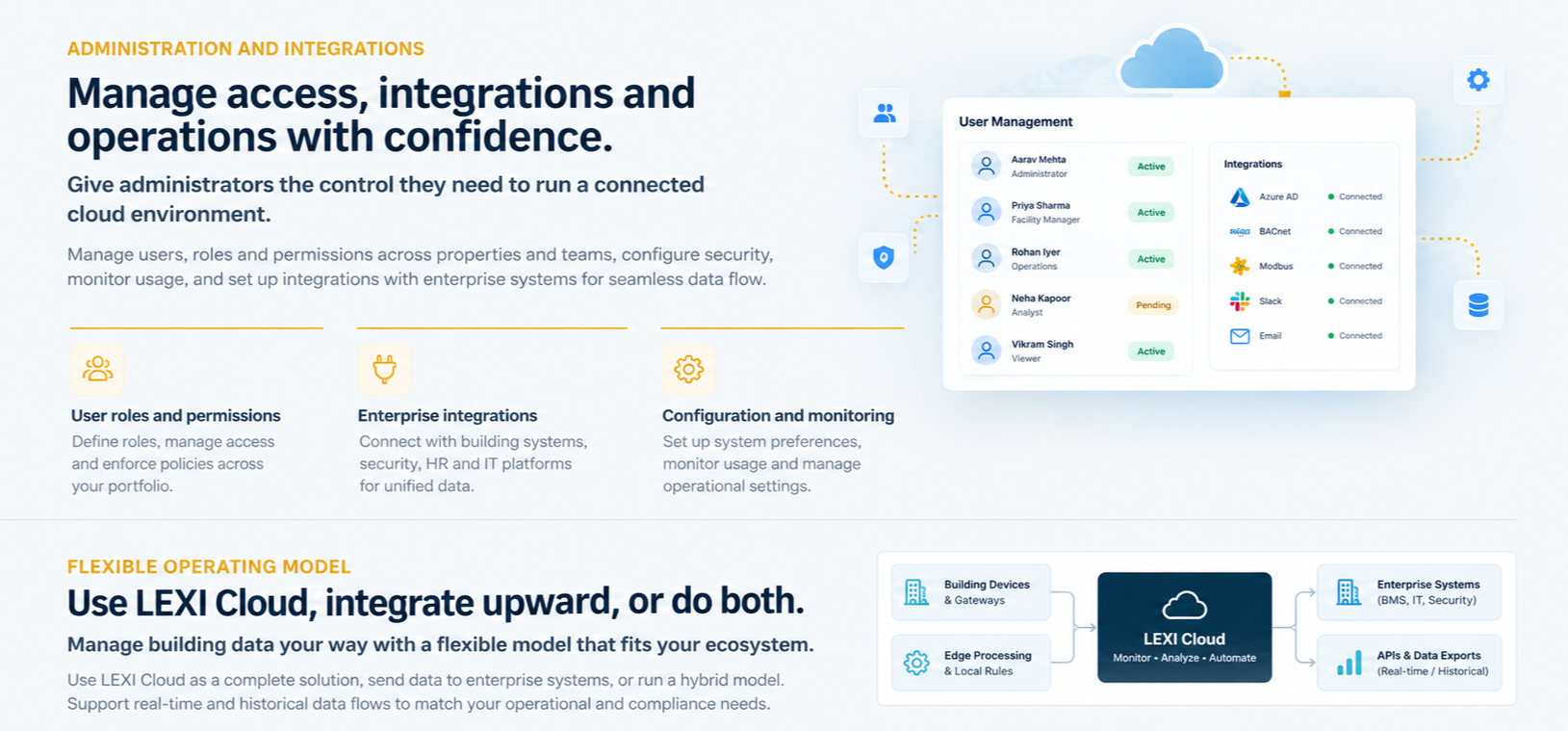
Administration and integrations — manage access, integrations and operations with confidence. Give administrators the controls they need to run a connected cloud environment. Manage users, roles and permissions; connect integrations and data sources; and configure security, sessions, notifications, maintenance and compliance settings from one administration workspace. User roles and permissions: define roles, manage access and enforce policies across your portfolio. Enterprise integrations: connect with building systems, security, HR and IT platforms for unified data. Configuration and monitoring: set up system preferences, monitor usage and manage operational settings. Flexible operating model: use LEXI Cloud, integrate upward, or do both — manage buildings directly in the White Label LEXI Cloud, connect supported data and services to an existing BAS/BMS or enterprise platform, or use a hybrid model with real-time and historical data flows.
Build your connected-building cloud experience with LEXI.
Talk to us about branding, applications, integrations and the operating model for your portfolio.